My photos or video will not upload
Almost always the connection or the file type.
- 1Check the signal — if the WiFi is weak, try mobile data, or the other way round
- 2Upload two or three photos at a time instead of ten at once
- 3Photos must be .jpg or .png; a video .mp4, or an iPhone .mov (converted for you)
- 4Close the browser, open the shop again and retry
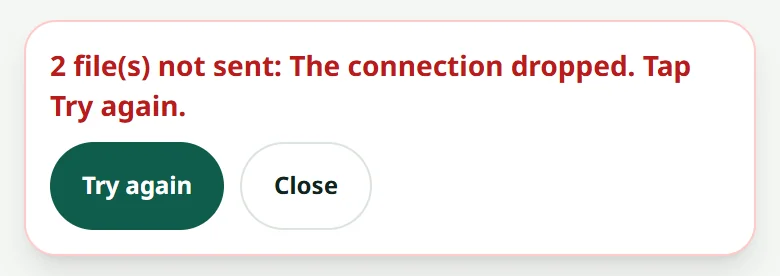
The product is saved even when some photos fail. The bar at the bottom of the screen says how many files failed and why: once the signal is back, press “Try again”, or press “Close” and add them again later.
Related articles
Still stuck?
Message us on WhatsApp. Sending your shop name and a screenshot gets you an answer much faster.
Message LaoCartWant us to do it for you — enter your products, design your covers? That is an optional service, billed separately. See the optional services