Adding a product video
One short clip per product — an .mp4 plays everywhere; an iPhone .mov is converted for you.
A 10 to 20 second clip convinces a customer faster than photos do. One clip per product; it plays automatically, without sound, on the product page.
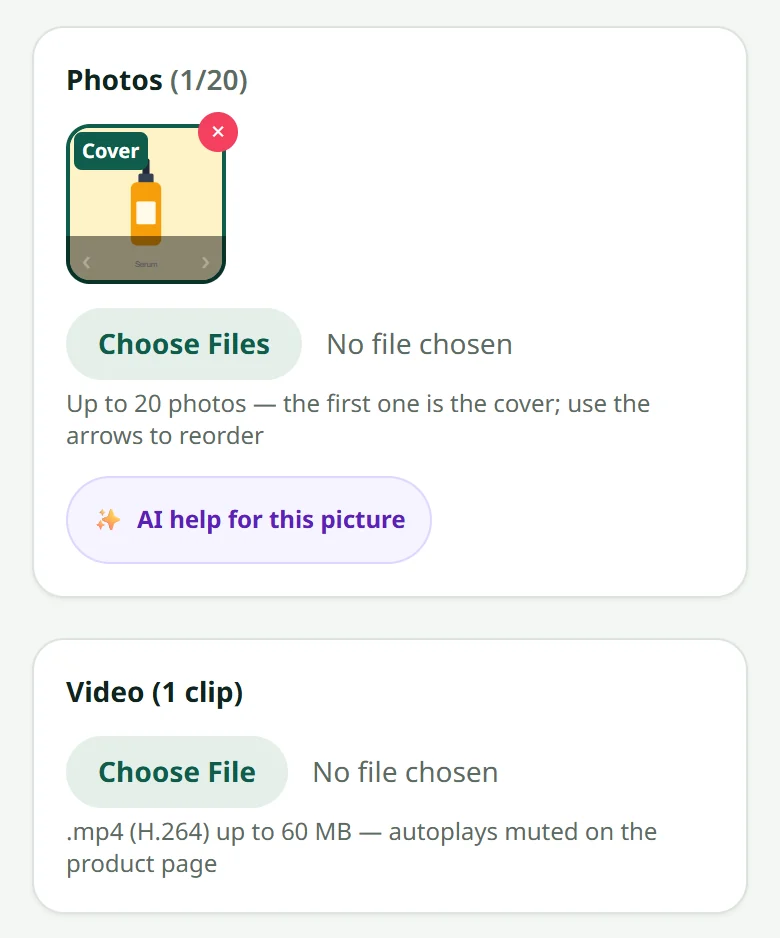
Video: filming and uploading a product clip
Video being filmed
A short film for this article is coming. The steps above already work on their own.
Related articles
Still stuck?
Message us on WhatsApp. Sending your shop name and a screenshot gets you an answer much faster.
Message LaoCartWant us to do it for you — enter your products, design your covers? That is an optional service, billed separately. See the optional services