E-mails your customers receive about their order
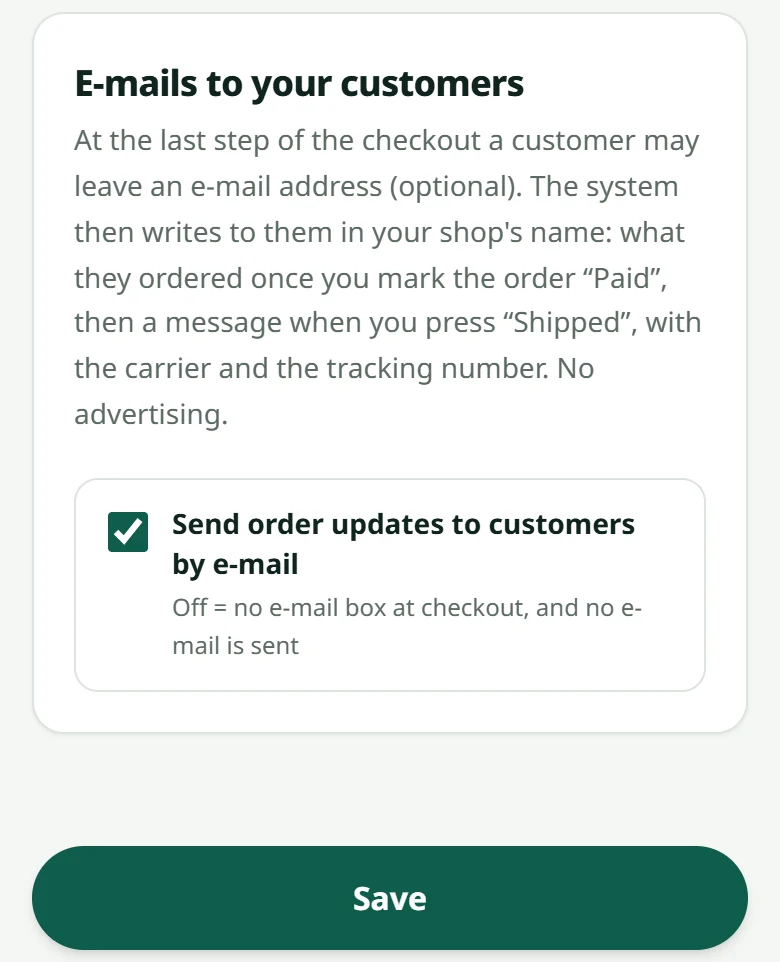
A customer may leave an e-mail address when ordering (optional): your shop then tells them when you confirm the payment and when you ship — in the shop's name, no advertising.
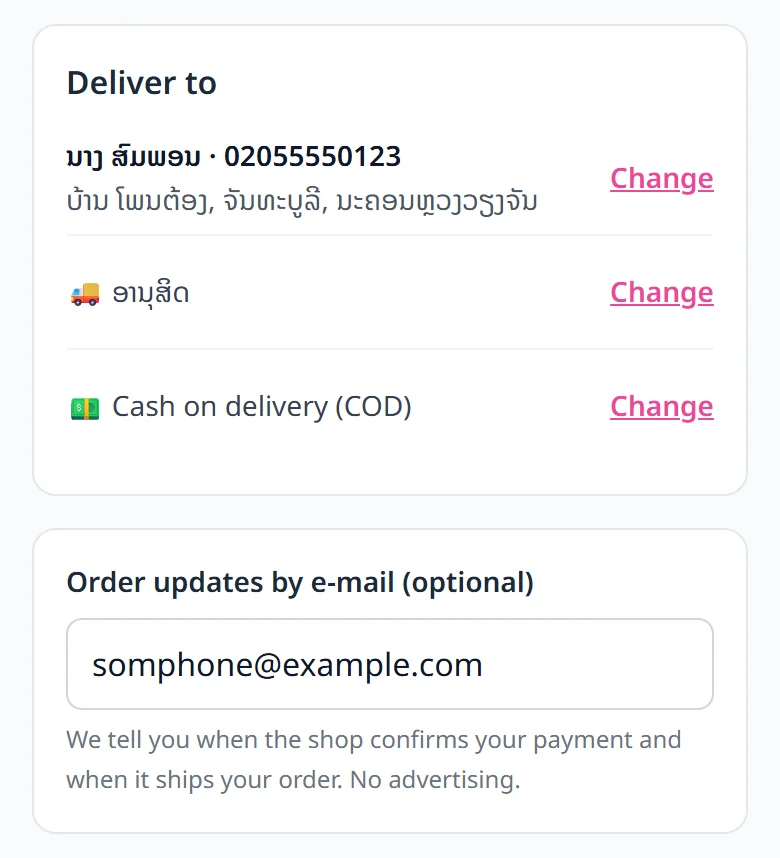
At the last step of the checkout, customers see a box “Order updates by e-mail (optional)”. With or without an address, the order goes through the same way. With one, the shop e-mails them for you as you do your usual work:
- 1When you set the order to “Paid”: a confirmation with the items, the total and a button to the order's tracking page (a cash-on-delivery order reads “confirmed”)
- 2When you press “Shipped”: an e-mail saying the parcel has left, with the courier and the tracking number if you had typed it
- 3Typed the tracking number after pressing “Shipped”? A short extra e-mail carries it when you save it
The e-mails go out in your shop's name (“Shop name via LaoCart”) with the shop's WhatsApp number, so the customer can answer you. They talk about that order only: no advertising, no newsletter — just one small grey line at the very end saying the shop is made with LaoCart. The customer's address is used for nothing else.
An e-mail that cannot be delivered (a wrong address) never affects the order or your status buttons: the shipping bill and the tracking number still go out on WhatsApp as before — see Tracking numbers. Your own alerts are in Your shop's notifications.
Related articles
Your shop's notifications
New orders, payments and news from LaoCart in one list, unread ones first.
What the order statuses mean
From “Awaiting payment” to “Completed” — and who sees what.
Tracking numbers
Keep the courier's number on the order, and send it to the customer with the bill on WhatsApp.
What the buyer sees
Knowing their side of the screen makes answering a customer much faster.
Still stuck?
Message us on WhatsApp. Sending your shop name and a screenshot gets you an answer much faster.
Message LaoCartWant us to do it for you — enter your products, design your covers? That is an optional service, billed separately. See the optional services