A supermarket-style home page for a shop with many products
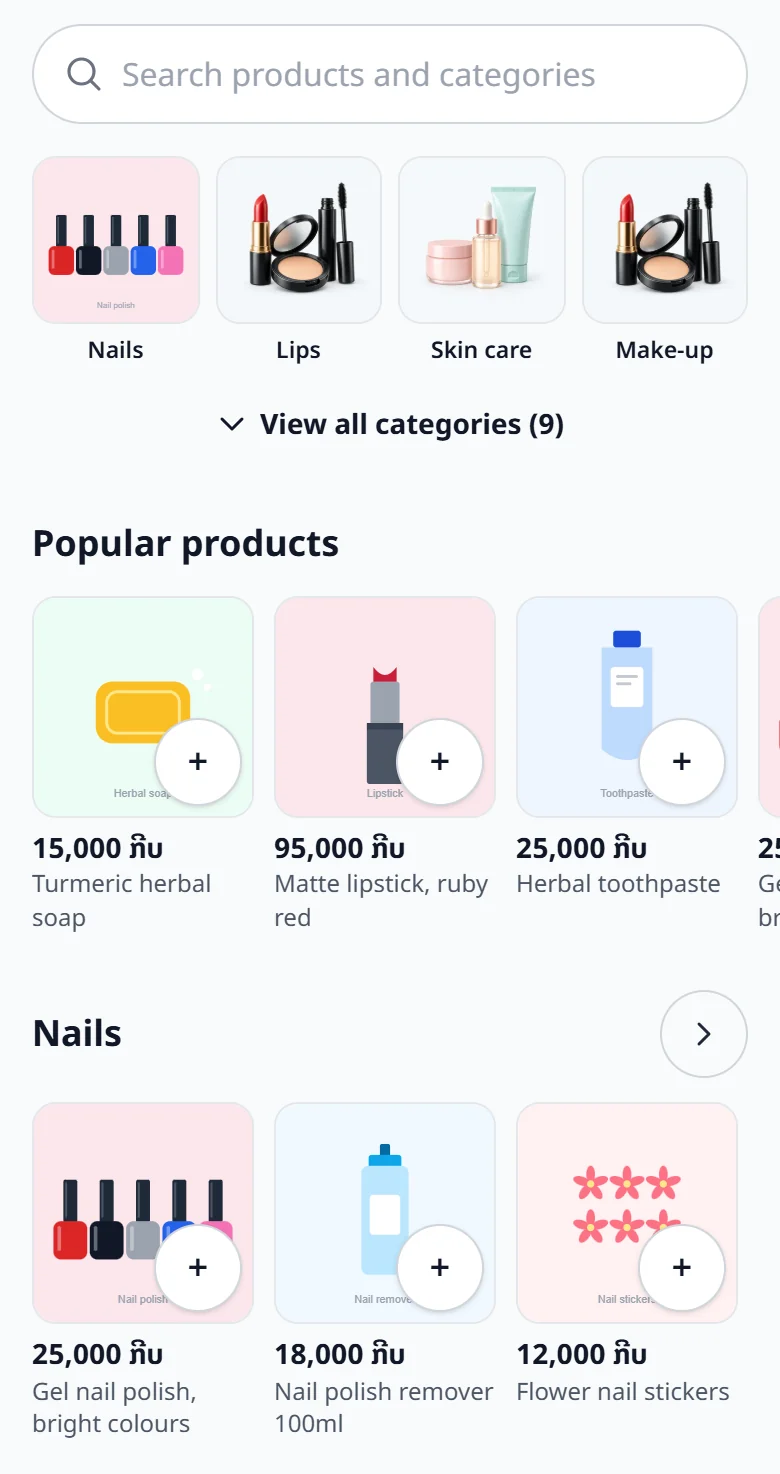
A search box, picture categories and a + button that adds to the cart at once: a home page made for grocery shops, minimarts, and any shop with hundreds of products.
In a shop with many products, customers struggle to find things and scrolling through categories is slow. The supermarket-style home page fixes that: a search box at the top (type a name, a category, or a barcode when your product links are barcodes), categories as picture tiles, the best sellers, and one row of products per category that slides sideways.
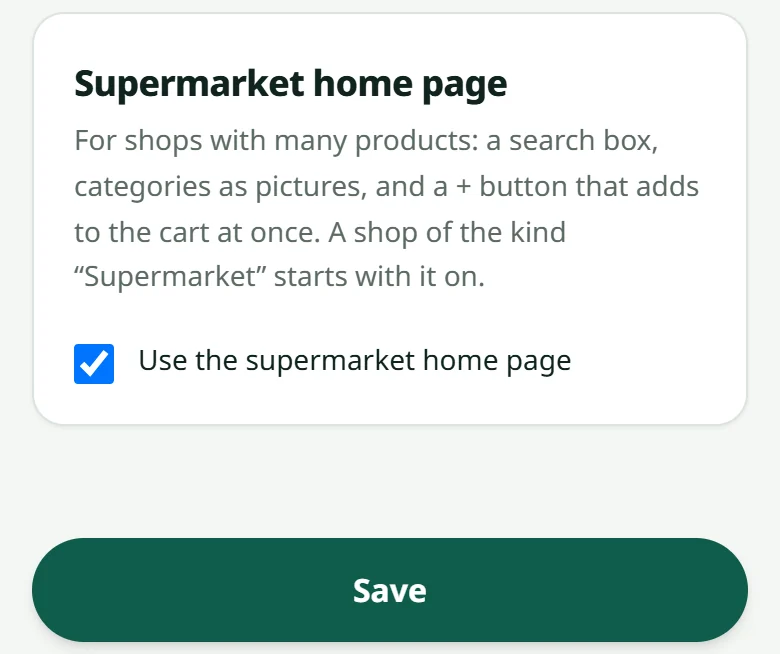
- 1A shop of the kind “Supermarket” (chosen in “Settings” → “Info” → kind of shop) gets this home page by itself
- 2Any other shop can switch it on in “Settings” → “Look” → “Use the supermarket home page” — and off again at any time
What customers see: tap a category and its products show three to a row, with a price sort; a product without options has a “+” that adds it to the cart at once and turns into “− 1 +”; a product with options opens its page as usual; a “view cart” bar stays at the bottom of the screen while the cart holds something. The phone's Back button returns to the home page.
Ordering, payment and the dashboard do not change. Set each product's category in Adding a product, or many at once with Importing from Excel. Colours and logo: Colours, logo and cover.
Related articles
Colours, logo and cover
Pick a palette for your shop in a few seconds.
Shop info: name, address and contacts
The shop's name, tagline, kind, address, opening hours and WhatsApp number that customers see — all set in “Settings” → “Info”.
Adding a product
A name, a price, a photo and a stock number — that is all it takes to sell.
Importing products from Excel
Many products? Type them in a spreadsheet and upload them in one go.
Still stuck?
Message us on WhatsApp. Sending your shop name and a screenshot gets you an answer much faster.
Message LaoCartWant us to do it for you — enter your products, design your covers? That is an optional service, billed separately. See the optional services