Importing products from Excel
Many products? Type them in a spreadsheet and upload them in one go.
- 1Open the “Products” menu and choose “Import from Excel”
- 2Download the template and open it in Excel or Google Sheets
- 3One product per row: name, price, stock, category
- 4Save it as CSV and upload it back
- 5Check the rows the system read, then confirm
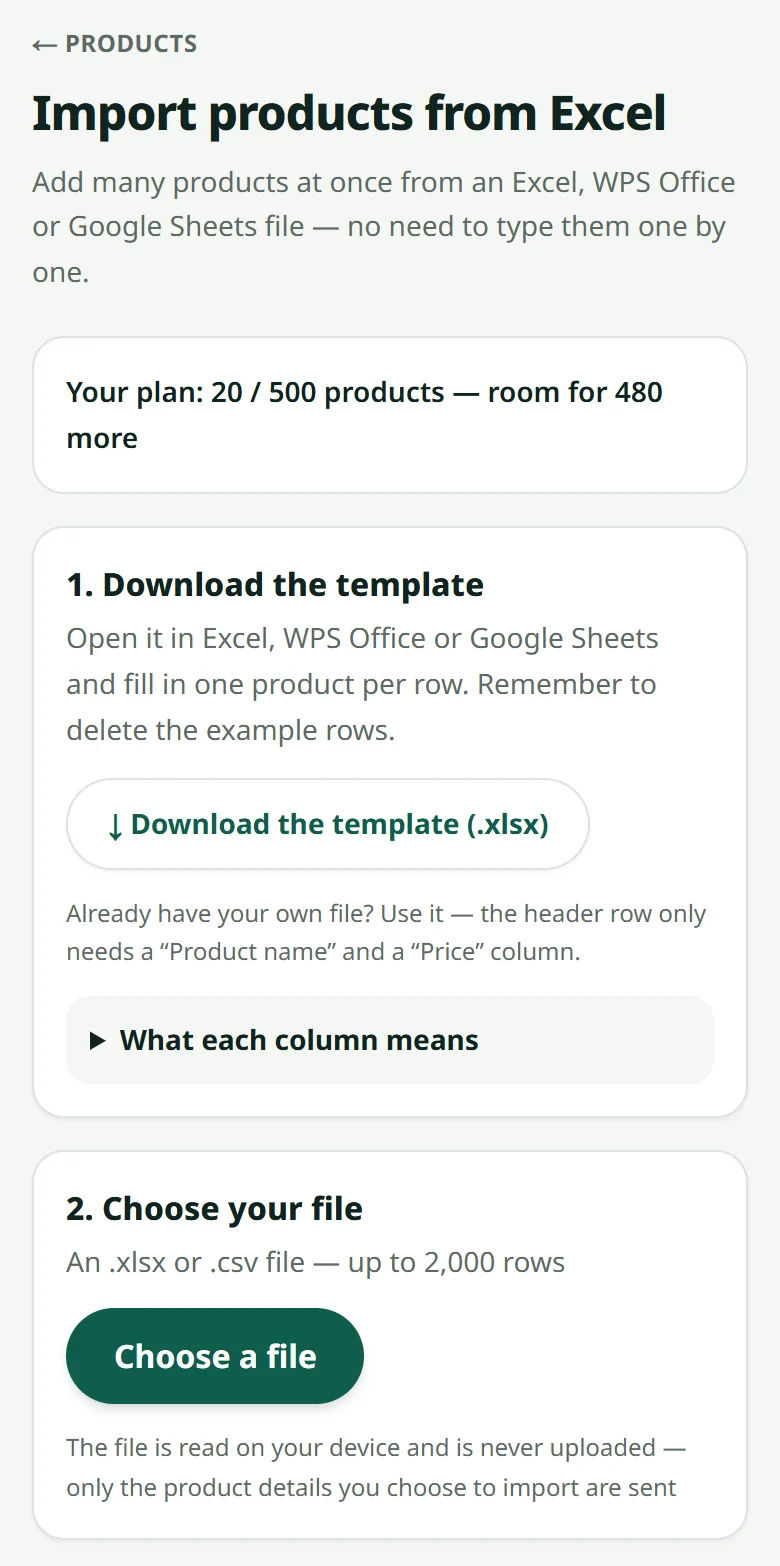
Video: importing products from a spreadsheet
Video being filmed
A short film for this article is coming. The steps above already work on their own.
Related articles
Adding a product
A name, a price, a photo and a stock number — that is all it takes to sell.
Colours and sizes (product options)
One product, several colours or sizes — each option with its own stock and price.
How many products you can add
Each plan allows a number of products — and what happens when it is full.
Still stuck?
Message us on WhatsApp. Sending your shop name and a screenshot gets you an answer much faster.
Message LaoCartWant us to do it for you — enter your products, design your covers? That is an optional service, billed separately. See the optional services