Colours, logo and cover
Pick a palette for your shop in a few seconds.
- 1Go to “Settings” → “Look”
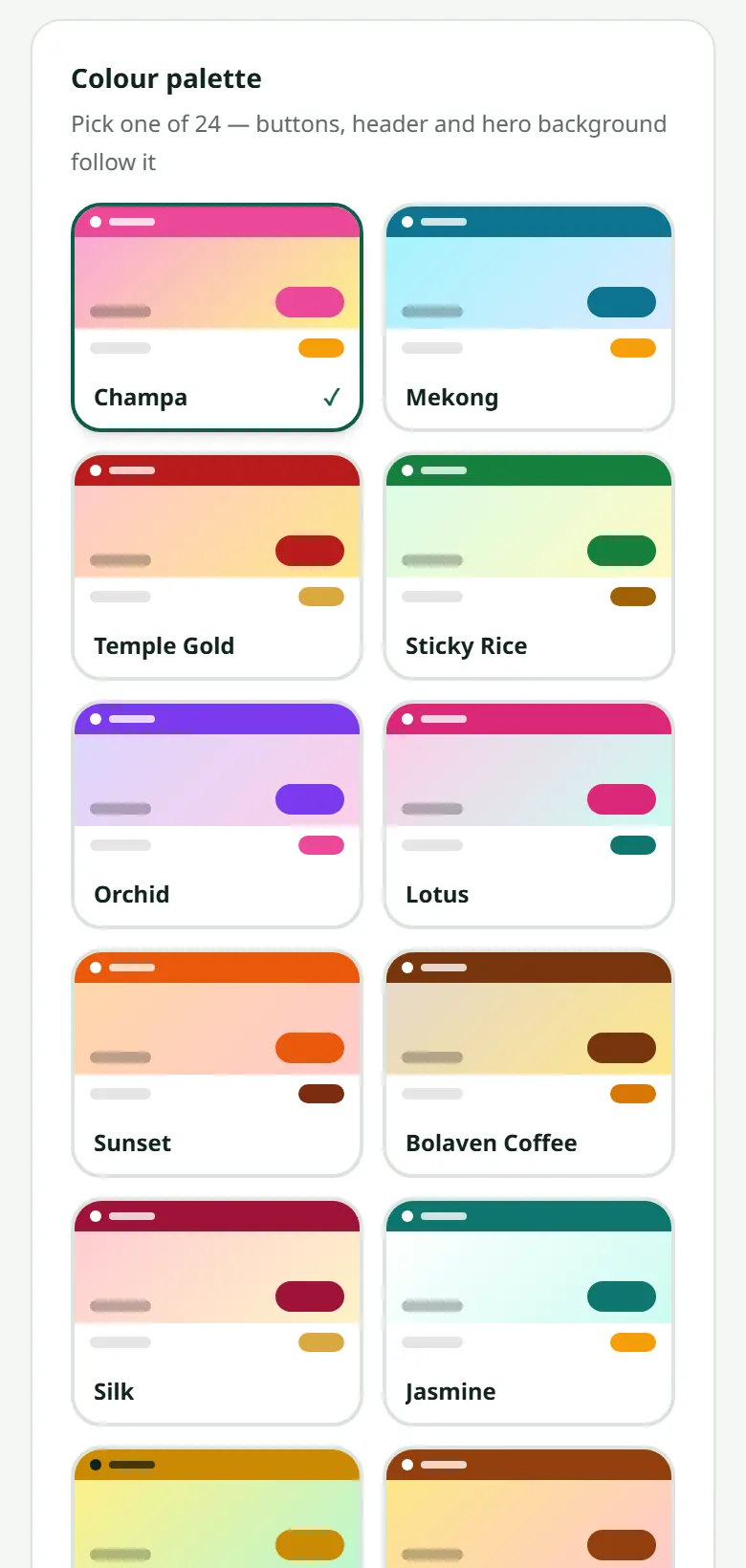
- 2Pick a palette from the samples shown
- 3Upload your logo (a square image on a transparent or white background looks best)
- 4Upload a cover image for the home page if you have one
Press the storefront link right after and see it. You can change it as often as you like, at no cost.
Want the cover to change by itself? Under the cover you can add a few more pictures: with two or more, the cover moves from one to the next every few seconds, and customers can also swipe. With one picture, your shop looks exactly as before.
The bar at the very top of your shop shows your logo. On the same page, choose a small logo with the shop's name, or the logo alone (best when your logo already spells out the name). No logo yet? The top bar shows your shop's name as text.
On the same page you can also write the boxes under your banner. To show your shop in English or Chinese too: Your shop in English and Chinese.
A shop with many products can switch to the supermarket-style home page on this same page. Sometimes the team proposes a whole new look: A new look proposed by LaoCart.
Related articles
Still stuck?
Message us on WhatsApp. Sending your shop name and a screenshot gets you an answer much faster.
Message LaoCartWant us to do it for you — enter your products, design your covers? That is an optional service, billed separately. See the optional services