Your shop in English and Chinese
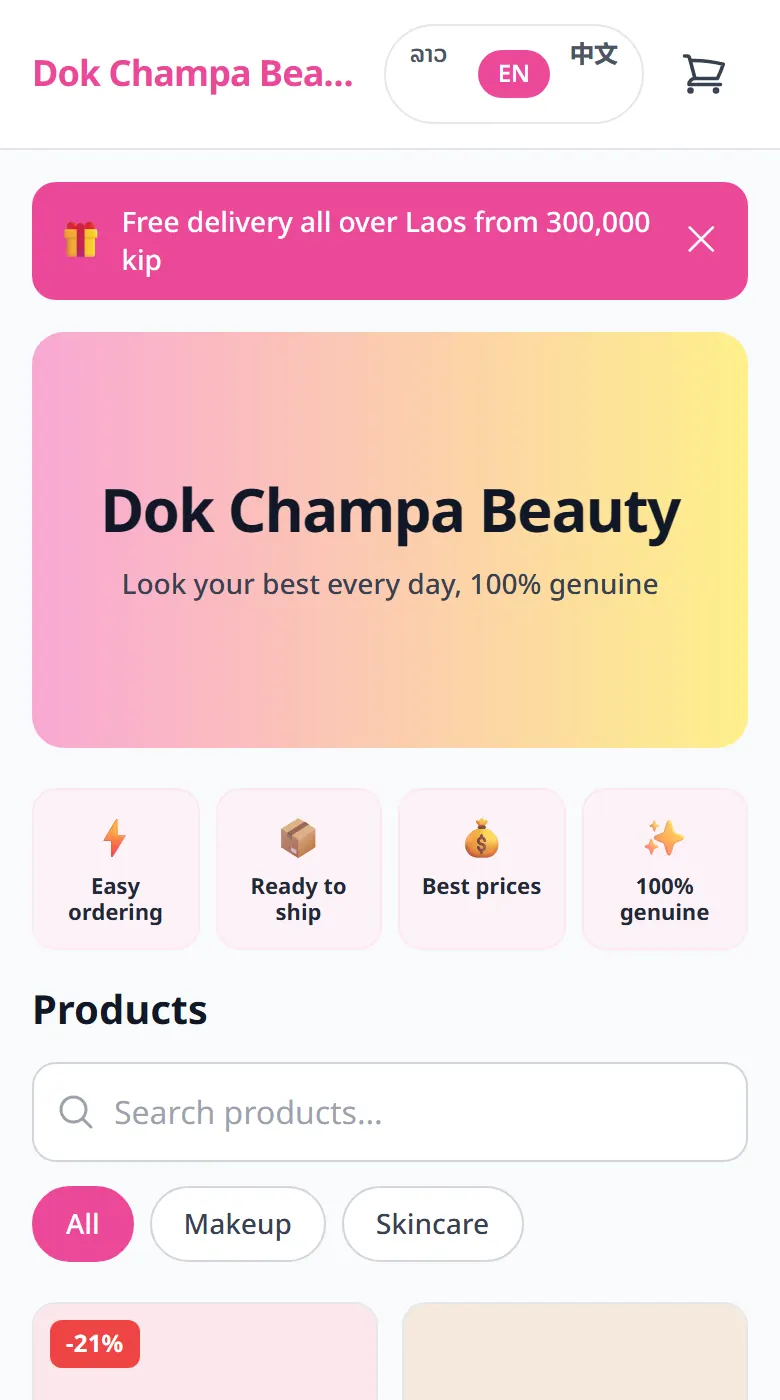
Turn on English or 中文 for your customers, then translate what you wrote. Anything you leave untranslated shows in Lao.
Your shop is in Lao. You can also let customers read it in English and in Chinese (中文): tourists, Chinese buyers, anyone more at ease in those languages. Lao always stays on.
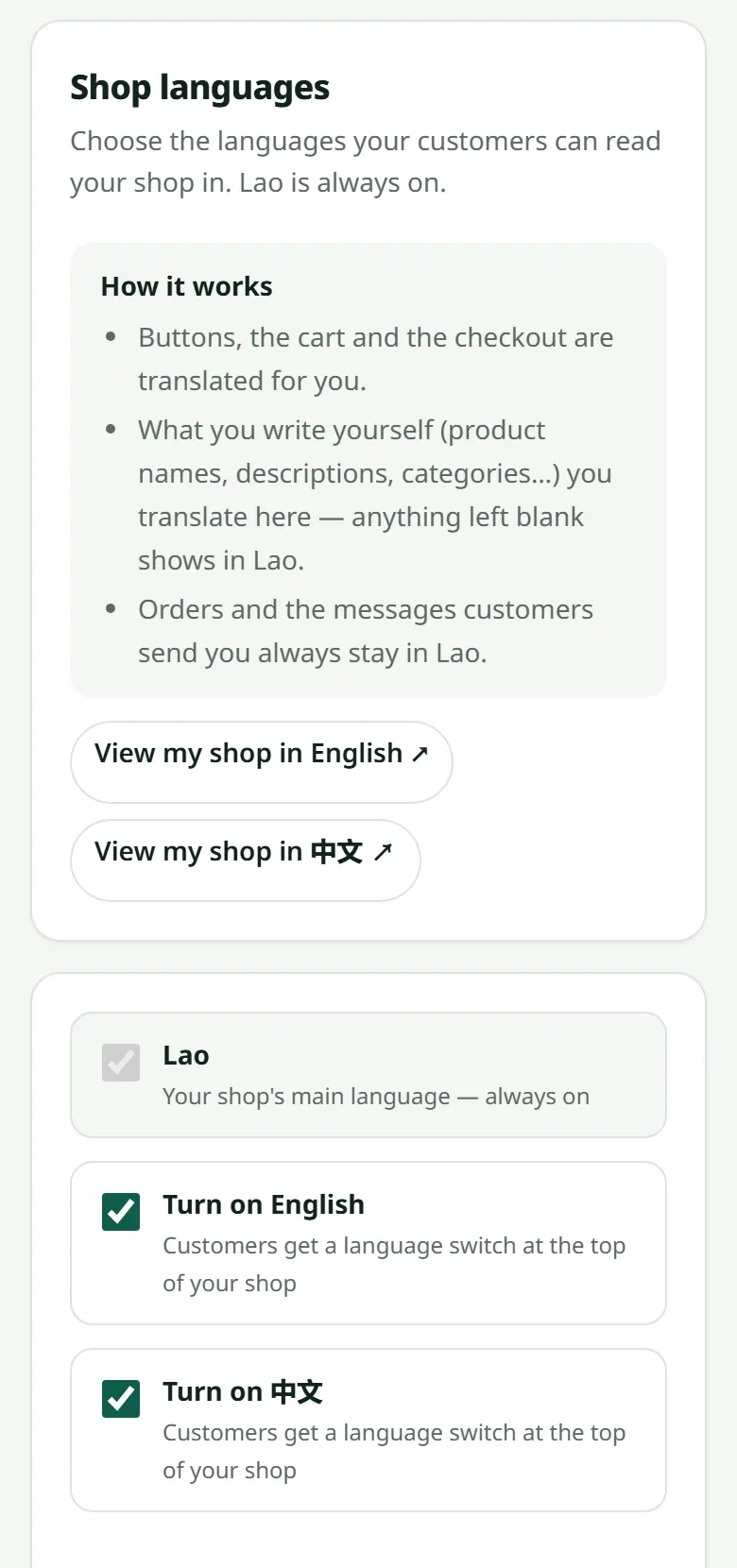
- 1Open “Settings” → “Languages”.
- 2Tick “Turn on English”, “Turn on 中文” or both, and save. The language buttons appear at the top of your shop.
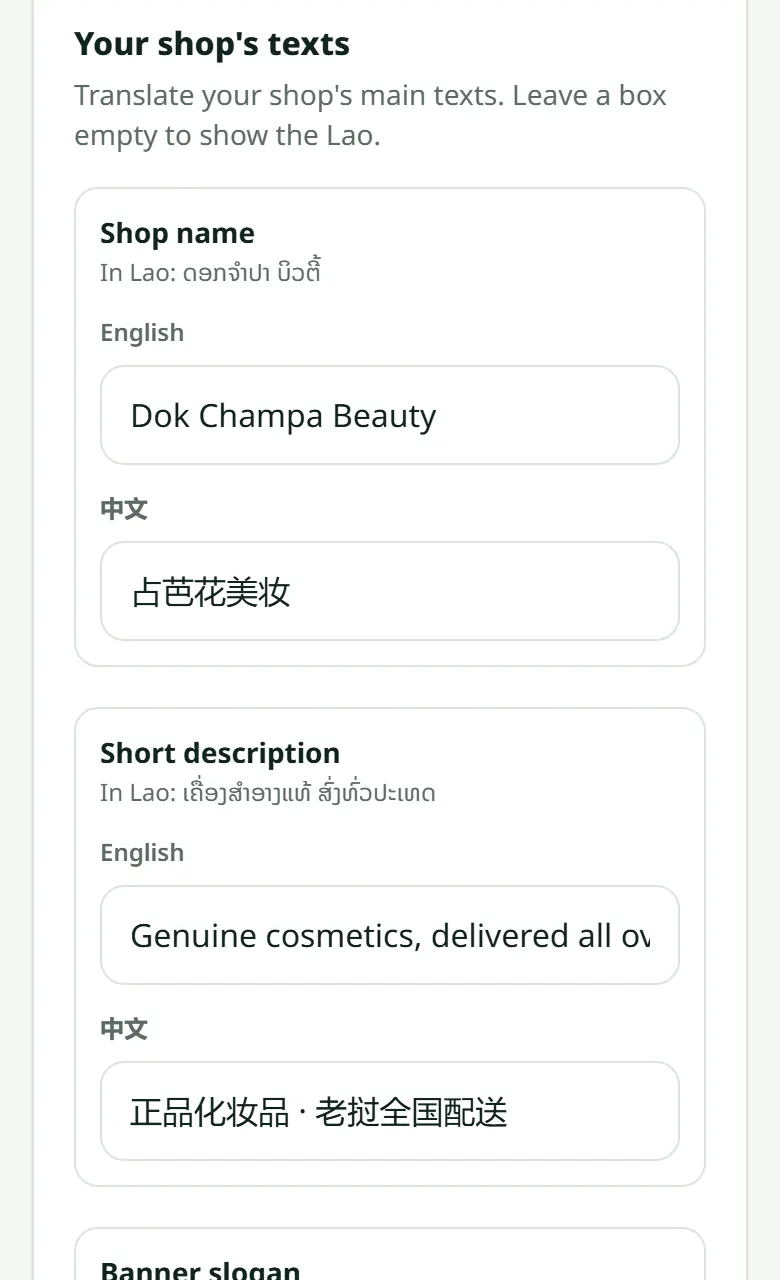
- 3On the same page, translate your shop's texts: name, short description, banner slogan, announcement, opening hours, address, and your product categories.
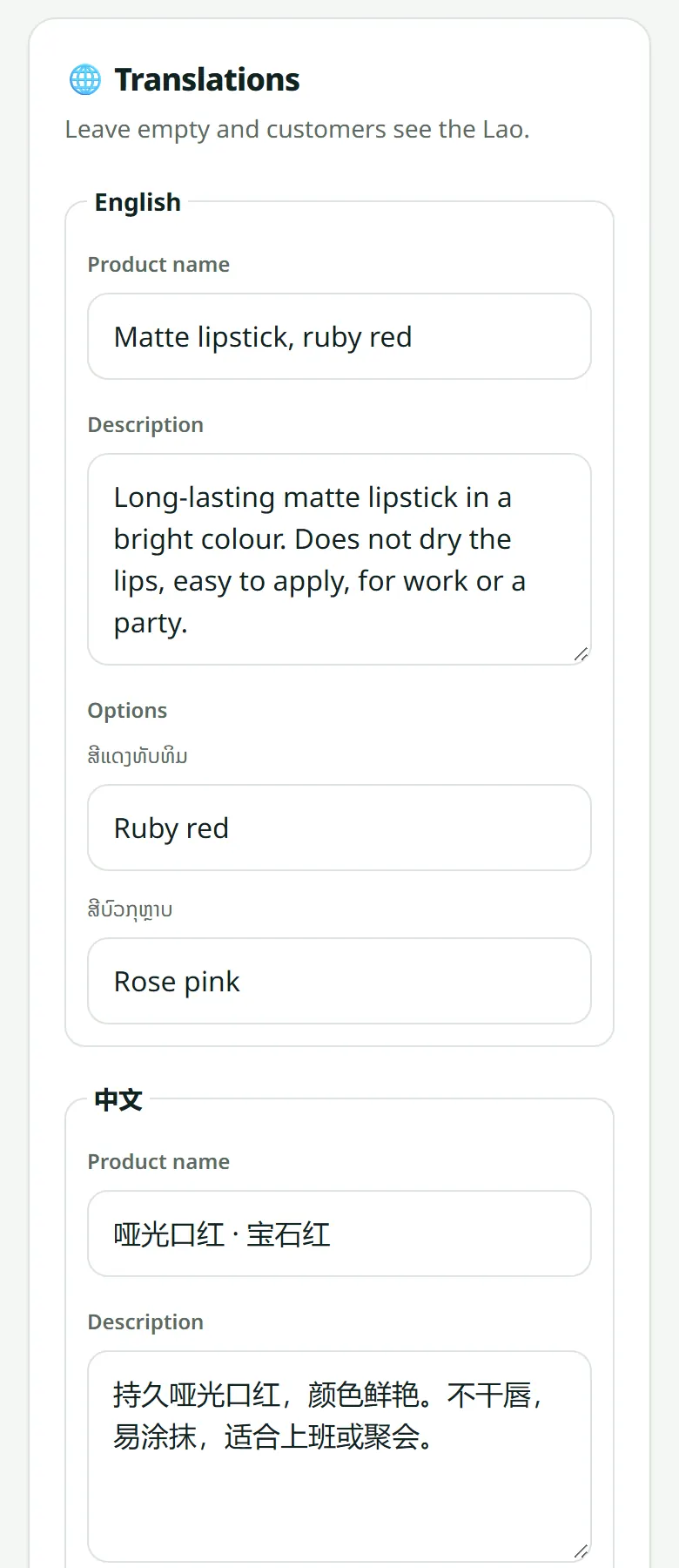
- 4Translate each product on its own page: open the product, scroll down to “Translations”, fill in the name, description and options, and save.
Orders do not change language: the order you receive, the WhatsApp message and the parcel label always use your Lao product names, whatever language the customer read. Turn a language off and your translations are kept.
The small boxes under your banner are translated on “Settings” → “Look”: see The boxes under your banner.
Related articles
Still stuck?
Message us on WhatsApp. Sending your shop name and a screenshot gets you an answer much faster.
Message LaoCartWant us to do it for you — enter your products, design your covers? That is an optional service, billed separately. See the optional services