The boxes under your banner
Write your own four small boxes under your shop's banner, or hide the row.
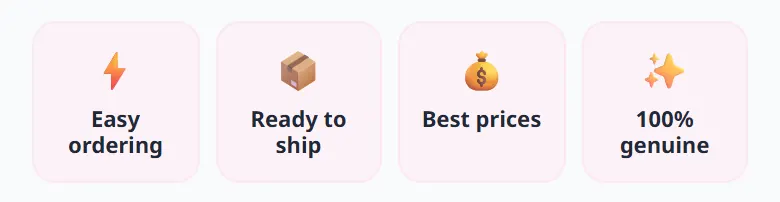
Every shop starts with the same four boxes: easy ordering, ready to ship, best prices, 100% genuine. Write what is true for YOUR shop instead: delivery within 24 hours, handmade, exchange within 7 days…
- 1Open “Settings” → “Look” and scroll down to “Highlight boxes under the banner”.
- 2For each box, pick an emoji, write a short title and, if you like, one line of explanation.
- 3Press Save: your shop shows the new boxes straight away.
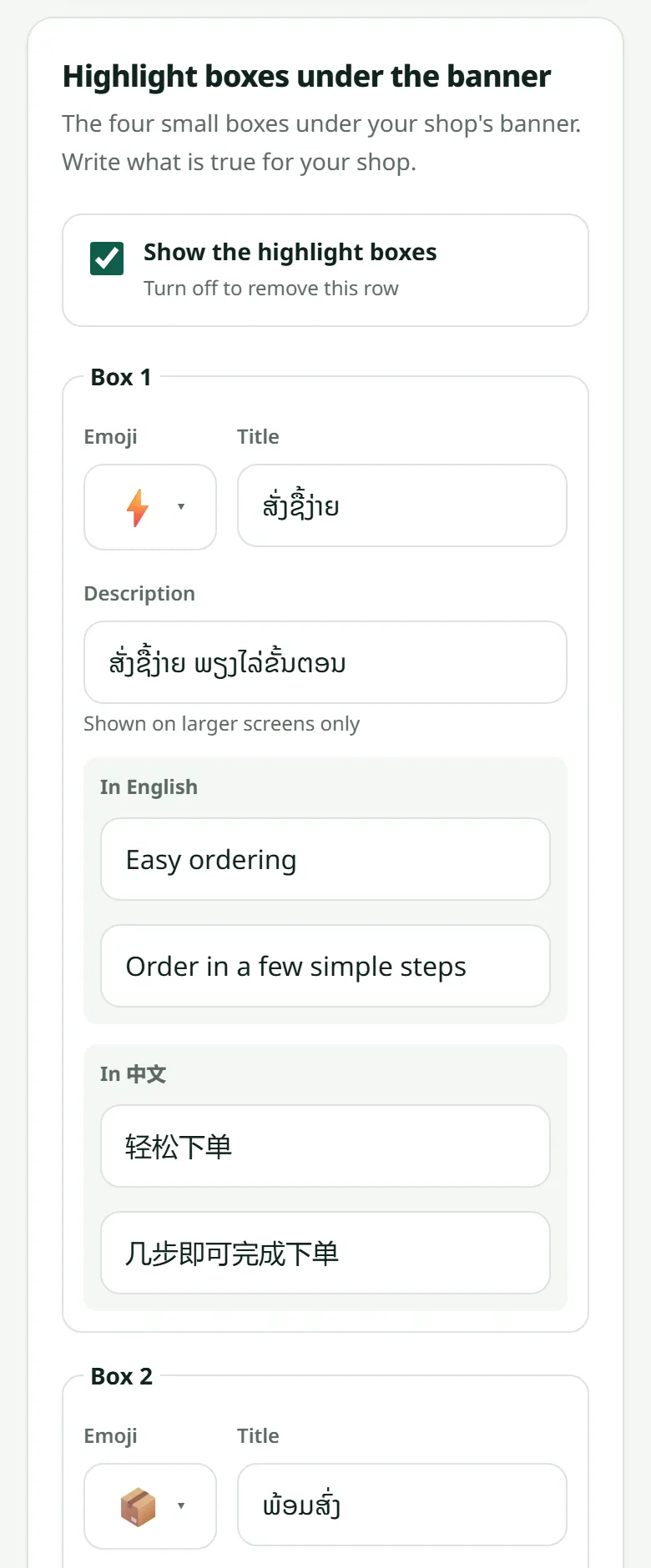
If your shop is also in English or Chinese, translate each box in the grey fields under it: see Your shop in English and Chinese.
Related articles
Still stuck?
Message us on WhatsApp. Sending your shop name and a screenshot gets you an answer much faster.
Message LaoCartWant us to do it for you — enter your products, design your covers? That is an optional service, billed separately. See the optional services