The setup checklist
The shop's home page walks you through everything a shop needs before it opens.
Free to build, no time limit · 7 free days of real orders once your shop is ready · No card needed
Once the shop exists, its home page lists what is still missing. Do it in order or skip a step — nothing is locked, you can come back and change any of it later.
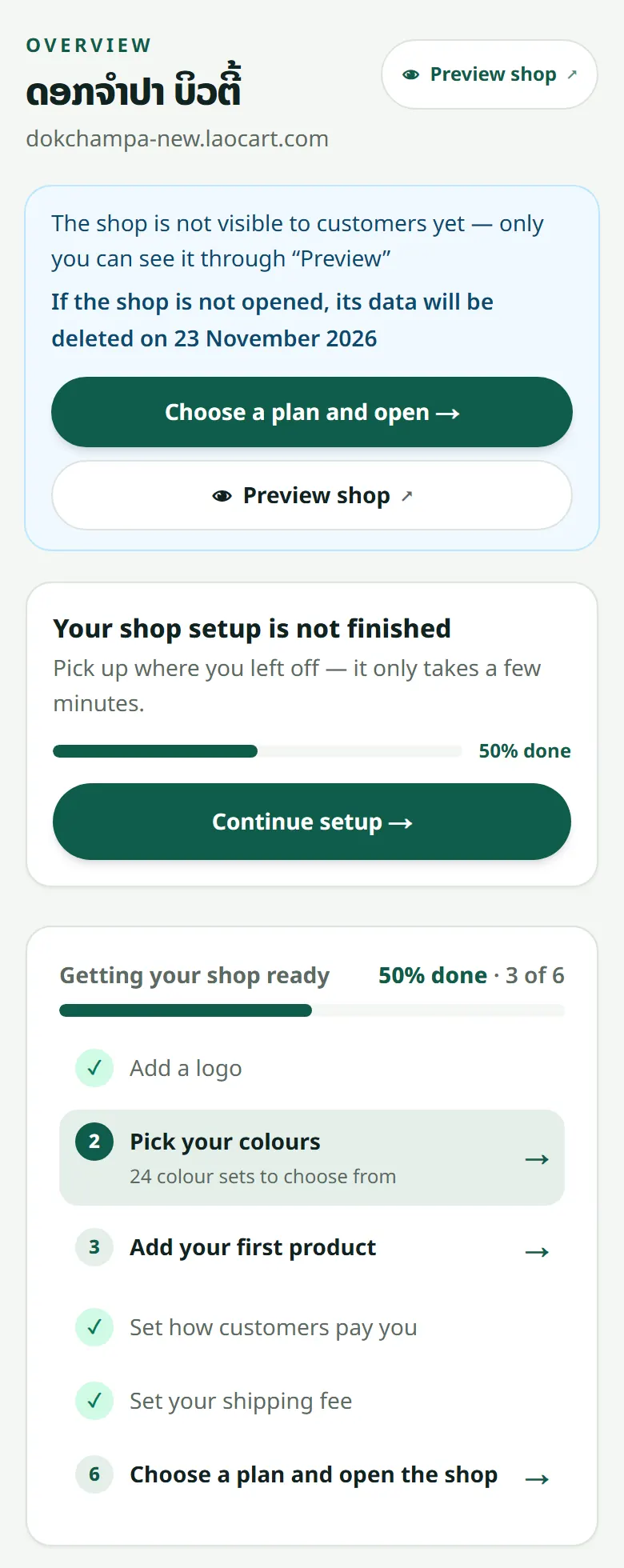
- 1Shop details: name, phone number and a short line about the shop
- 2Look: pick colours and upload a logo — see Colours and cover
- 3Payment: upload your QR and decide whether you accept cash on delivery
- 4Shipping: set your delivery fee and the couriers you use
- 5Products: add at least one — see Adding a product
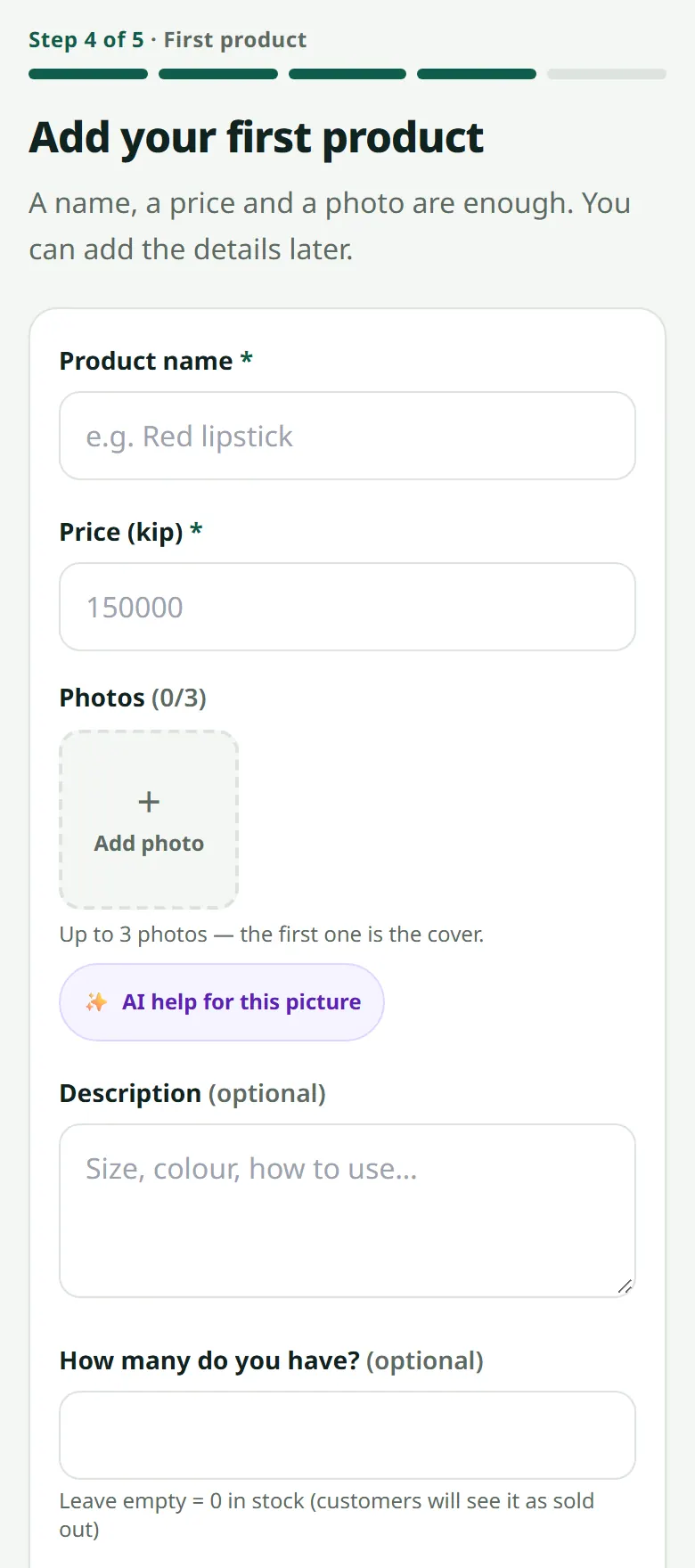
Right after the shop is created, the setup assistant takes you through the same things in order: logo, colours, the first product (or several at once: one photo = one product), your payment QR, then a link to show the shop to someone. Every step can be skipped and done later from this checklist.
Related articles
Still stuck?
Message us on WhatsApp. Sending your shop name and a screenshot gets you an answer much faster.
Message LaoCartWant us to do it for you — enter your products, design your covers? That is an optional service, billed separately. See the optional services