Taking payment with a QR and a slip
The customer transfers to your QR and uploads the slip — you check it and confirm.
- 1Go to “Settings” → “Payment” and upload the QR image of your account
- 2Enter the account name and the bank exactly as they are
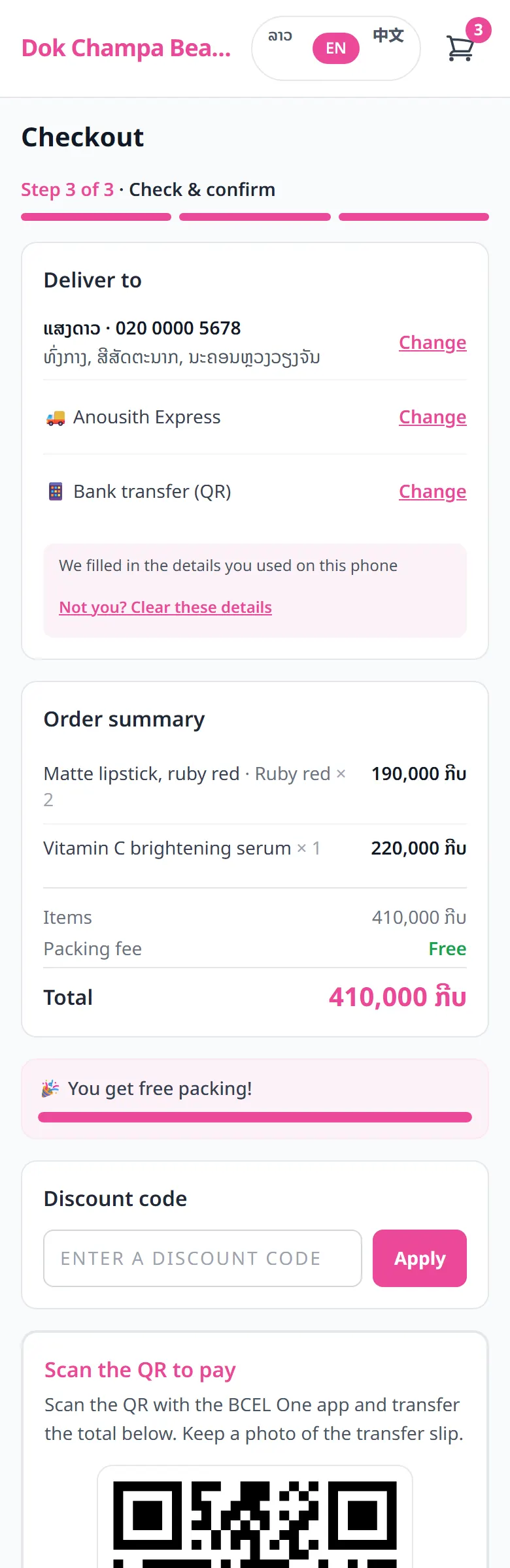
- 3The customer transfers and uploads a photo of the slip on their order page
- 4You open the order, check the money in your banking app, then set the status to “Paid”
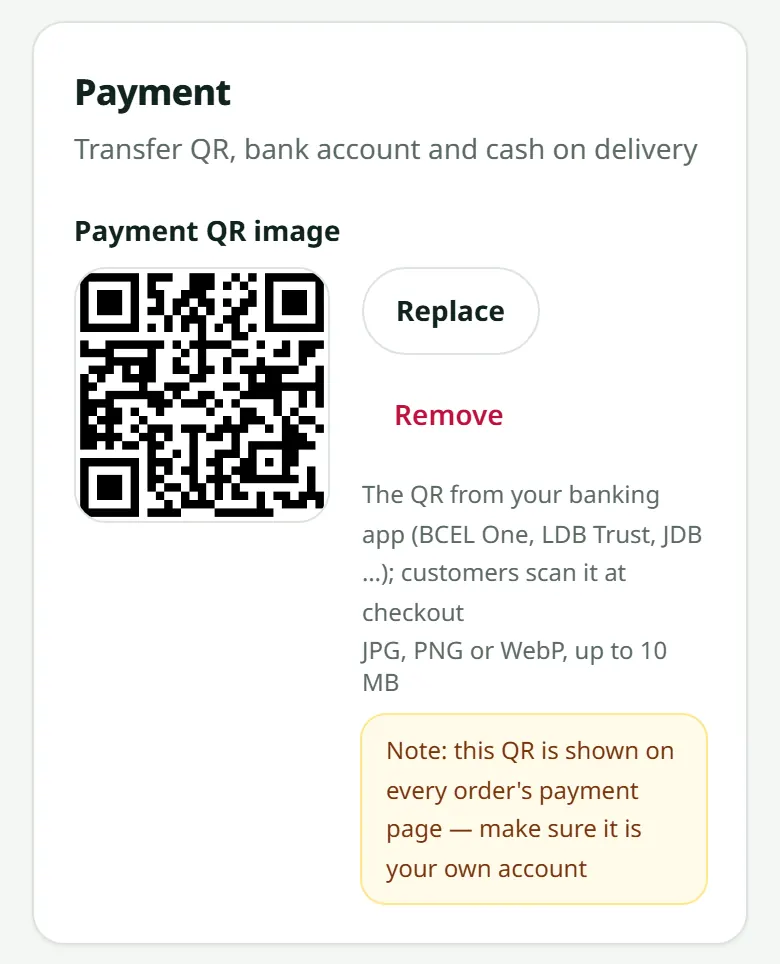
Accounts at several banks? Under the first QR, add “QR codes of other banks” with the bank's name: customers pick their bank when they pay and see that QR. Only the shop's owner can change the QRs. “Require a payment slip” on (recommended): customers must attach the slip when they order; off: they can order first and you ask for the slip on WhatsApp.
Related articles
Still stuck?
Message us on WhatsApp. Sending your shop name and a screenshot gets you an answer much faster.
Message LaoCartWant us to do it for you — enter your products, design your covers? That is an optional service, billed separately. See the optional services