My customer cannot pay
Check your own QR first — that is where most of these end.
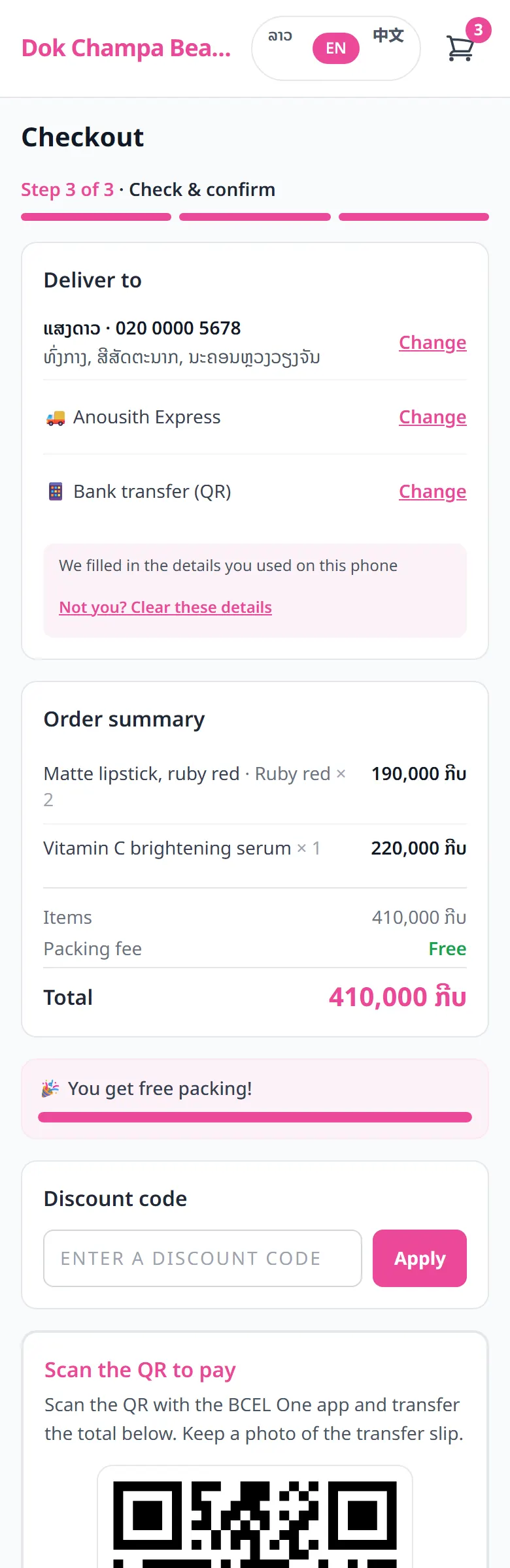
- 1Open your storefront on your own phone and try scanning the QR
- 2The QR image must be sharp, straight, without glare, and fully inside the frame
- 3Check that the account name and bank match what your banking app shows
- 4Still stuck: send the account number so they can transfer by hand, or turn on cash on delivery
Related articles
Taking payment with a QR and a slip
The customer transfers to your QR and uploads the slip — you check it and confirm.
Cash on delivery
Take orders without a transfer first — but set your own rules clearly.
When the money reaches you
Your customers' money goes straight to your bank account — LaoCart never touches it.
Still stuck?
Message us on WhatsApp. Sending your shop name and a screenshot gets you an answer much faster.
Message LaoCartWant us to do it for you — enter your products, design your covers? That is an optional service, billed separately. See the optional services