Deleting a shop or an account
There is no delete button: a shop that never opened is deleted by itself after a while, and a request to delete sooner, or to delete the account, goes to the team.
The dashboard has no “Delete shop” or “Delete account” button — so that a shop with orders and customers can never vanish on a wrong tap. What happens by itself, and what to ask for:
- 1A shop built but never paid for: it is deleted by itself after a while, with e-mail reminders before — nothing to do if you no longer want it
- 2A closed shop (plan not renewed): its data is kept for a while in case you come back, then deleted — see What happens when a shop closes
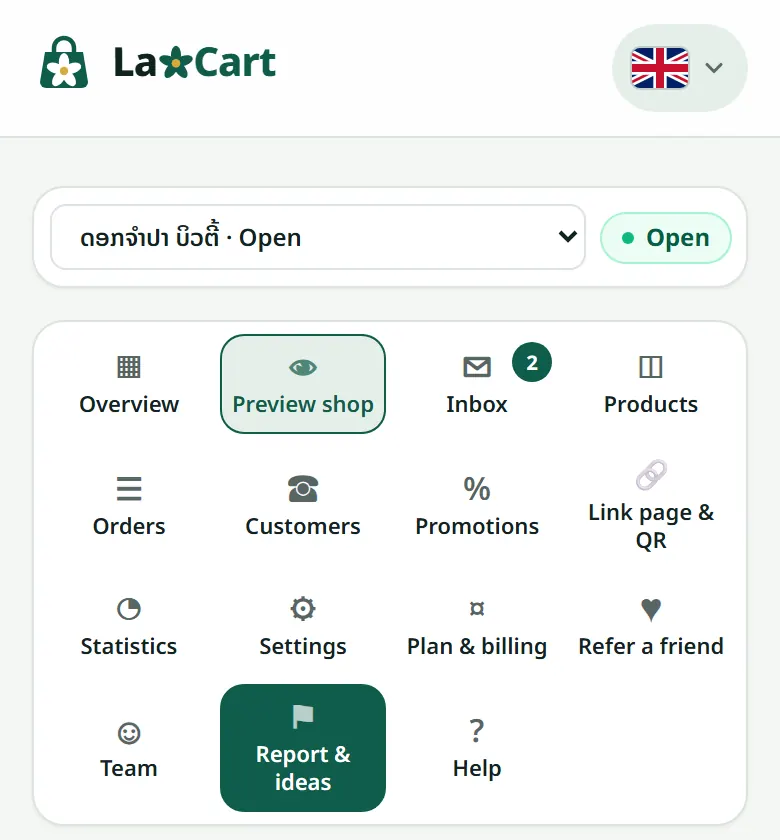
- 3To delete sooner, or to delete the whole account: write to the team on WhatsApp or from “Report & ideas” in the dashboard, with the shop's name and the account's e-mail — we confirm with you before deleting
When a shop is deleted: its products, photos, orders and customers are gone and its address is free for somebody else. Paid invoices are kept for the accounts. An account can be deleted once no shop hangs on it. Before asking, download your orders as an Excel file from the “Orders” page if you want to keep them.
Related articles
What happens when a shop closes
It disappears for customers, but your data is kept for a while.
Report a problem or suggest an idea
Tell the LaoCart team what does not work or what you would like, and follow the answer in the same place.
Renewal and the grace period
We warn you in advance, and the shop does not shut the moment the date passes.
Still stuck?
Message us on WhatsApp. Sending your shop name and a screenshot gets you an answer much faster.
Message LaoCartWant us to do it for you — enter your products, design your covers? That is an optional service, billed separately. See the optional services