Renewal and the grace period
We warn you in advance, and the shop does not shut the moment the date passes.
Your plan's end date is on the “Billing” page. We send several reminder e-mails before it.
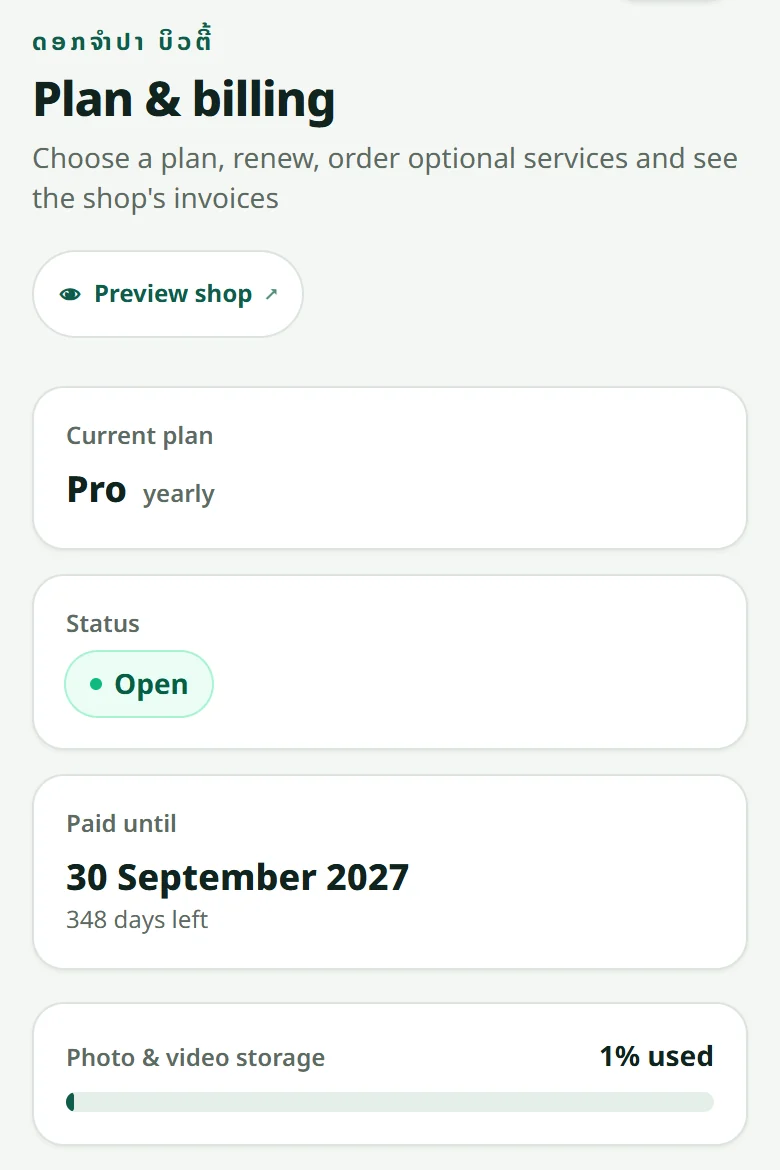
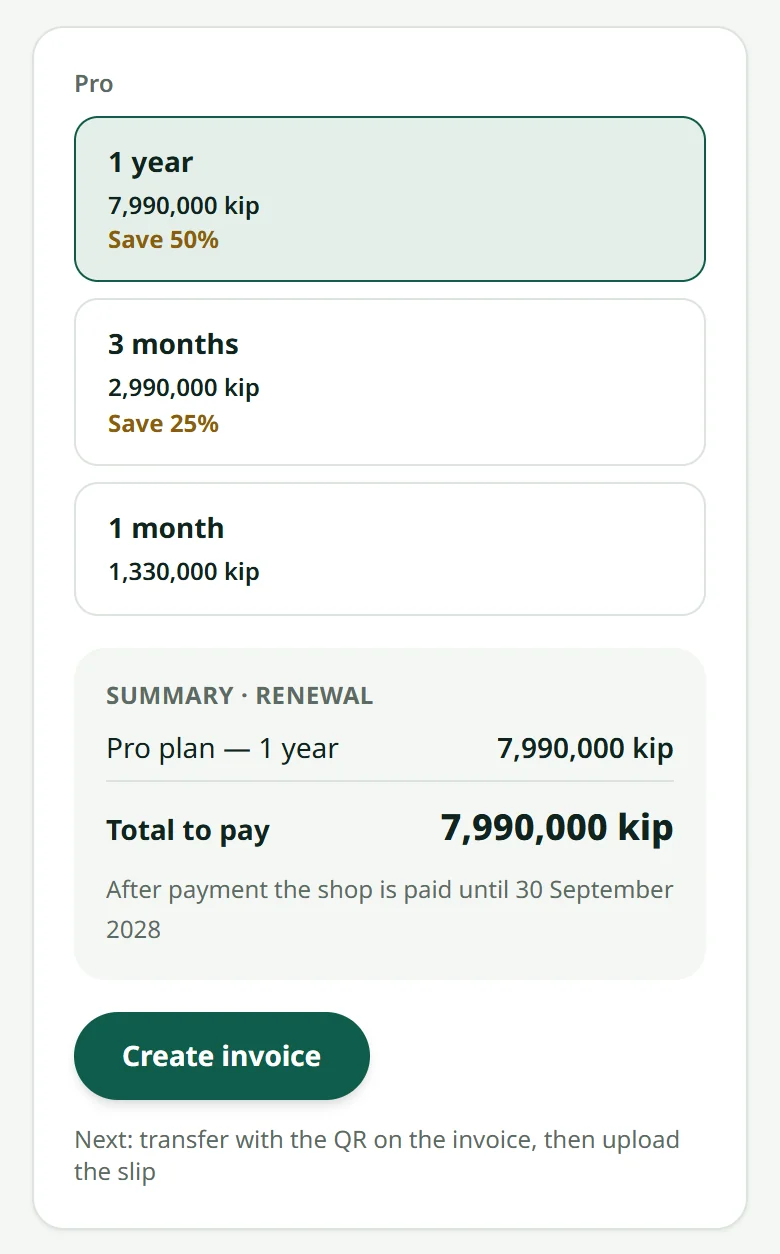
- 1Before the date: press “Renew” on the billing page and pay as you did the first time
- 2On the day, unpaid: the shop stays open through a short grace period
- 3After the grace period: the shop closes to customers, but your data stays
You can still pay later — the shop comes back exactly as it was, with its products, orders and customers, as long as you are inside the data-keeping period.
The reminders come by e-mail and in your shop's “Inbox” (and on your phone when notifications are on). You can renew for one month, three months or a year — not necessarily the same as before — and move up to a bigger plan at any time, paying only the difference for the months left.
Related articles
Still stuck?
Message us on WhatsApp. Sending your shop name and a screenshot gets you an answer much faster.
Message LaoCartWant us to do it for you — enter your products, design your covers? That is an optional service, billed separately. See the optional services