My shop does not show
Work through these three, in order.
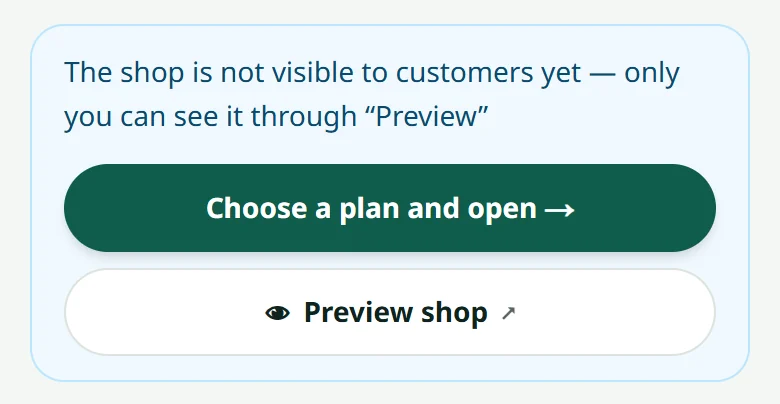
- 1Is the shop open? A new shop stays hidden until you pay a plan and we open it — see How to pay
- 2Has the plan expired? Check the “Billing” page — see What happens when a shop closes
- 3Is the link right? Check the spelling of the shop's address carefully
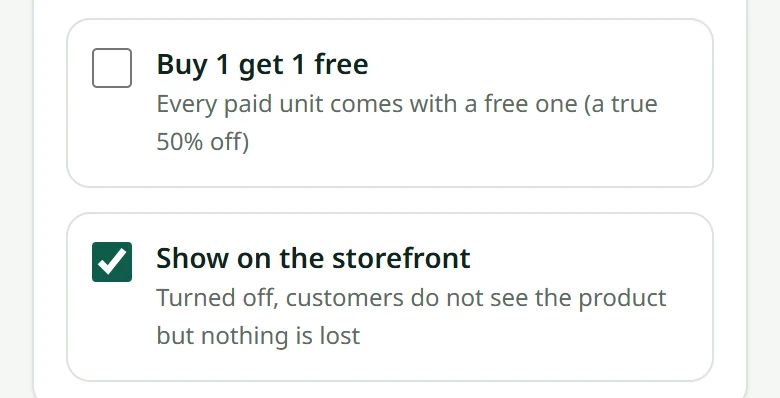
Shop open but some products missing? Check that “Show on the storefront” is on, and read How many products you can add.
Before you pay, the address yourshop.laocart.com does not work yet: look at your shop with “Preview shop”, or send a look-only link to somebody. After payment the real address is switched on, and the shop's home page shows the link once it works.
Related articles
How to pay for your plan
Transfer the amount on the invoice, upload the slip, and we open the shop.
What happens when a shop closes
It disappears for customers, but your data is kept for a while.
Choosing your shop's link
Your shop gets an address like yourshop.laocart.com — choose it carefully the first time.
Show your shop to someone before it opens
Create a look-only link: the person sees your shop and products for 3 days, but cannot order and never sees your payment details.
Still stuck?
Message us on WhatsApp. Sending your shop name and a screenshot gets you an answer much faster.
Message LaoCartWant us to do it for you — enter your products, design your covers? That is an optional service, billed separately. See the optional services