Choosing your shop's link
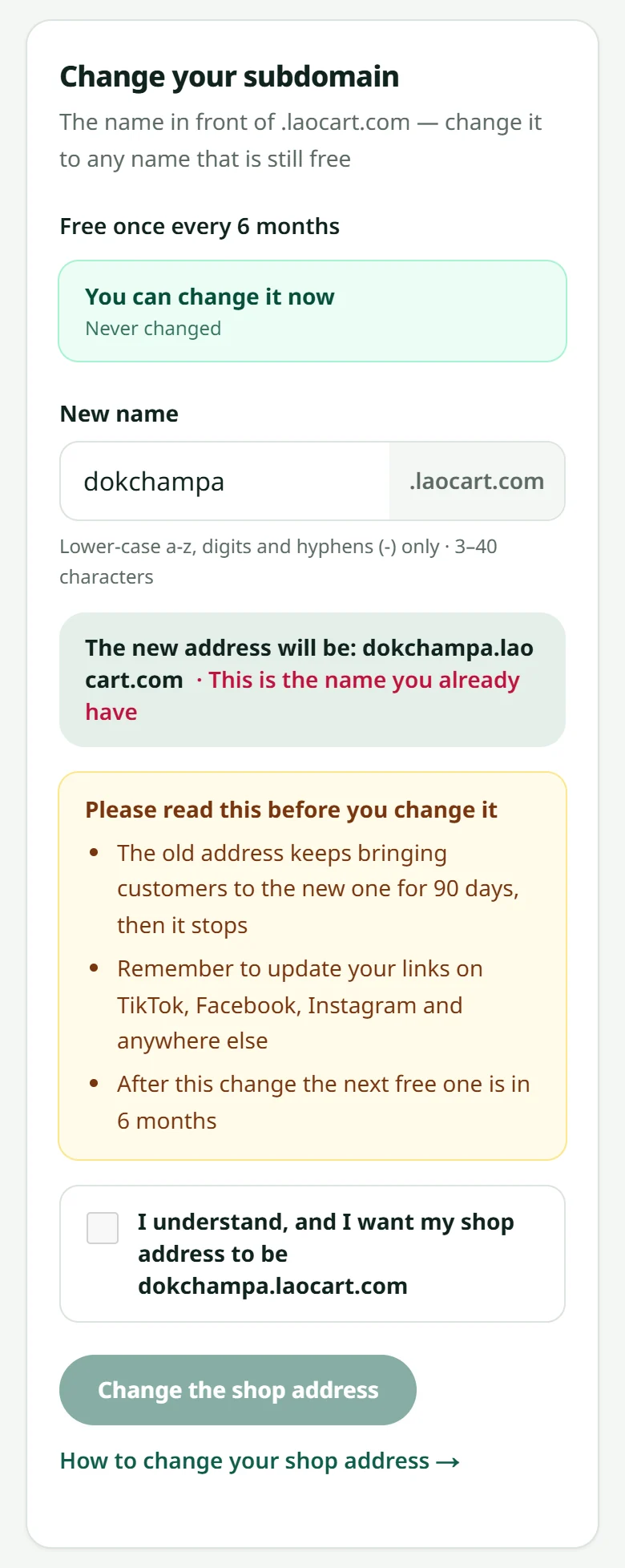
Your shop gets an address like yourshop.laocart.com — choose it carefully the first time.
The link is what customers type or tap. Only lower-case latin letters, digits and dashes are allowed, for example ngamvaikon.laocart.com
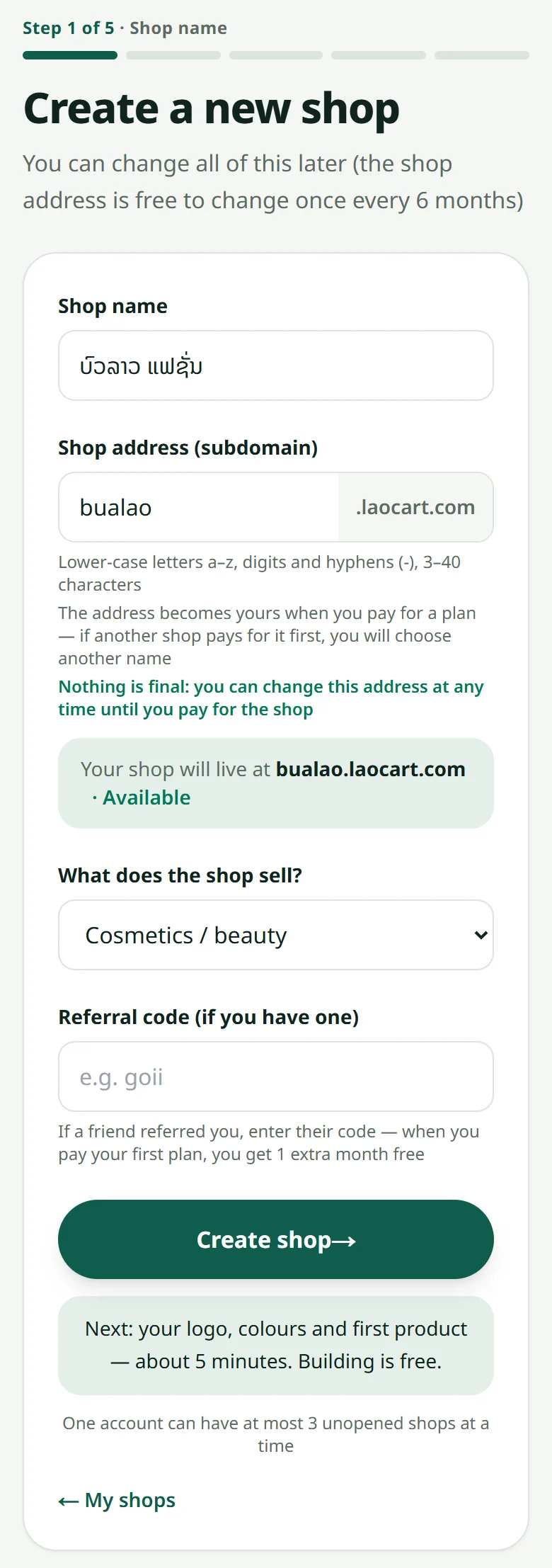
- 1Short, easy to remember, easy to say out loud on the phone
- 2Use your shop's name, not a product name — products change, the shop does not
- 3Avoid several dashes and hard-to-remember numbers
Build my shop free
Free to build, no time limit · 7 free days of real orders once your shop is ready · No card needed
Related articles
Still stuck?
Message us on WhatsApp. Sending your shop name and a screenshot gets you an answer much faster.
Message LaoCartWant us to do it for you — enter your products, design your covers? That is an optional service, billed separately. See the optional services