I forgot my password
Reset it by e-mail in a couple of minutes.
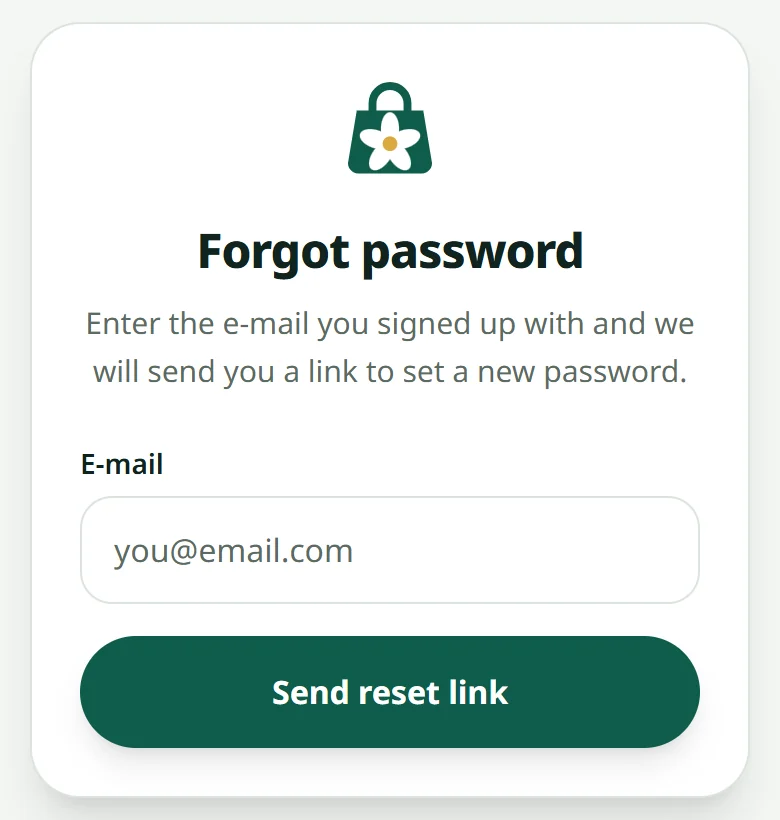
- 1Open Forgot password and enter the e-mail you signed up with
- 2Open your mailbox and click the link
- 3Choose a new password and sign in
Signed up with Google? There is no password to reset: press the Google button on the login page. Never got the confirmation e-mail at sign-up: I did not get the confirmation e-mail.
Related articles
Create your account and your first shop
Sign up with an e-mail, then create a shop — free until you are ready to sell.
Adding people to your shop
Let someone help with orders without giving away your password.
My shop does not show
Work through these three, in order.
I did not get the confirmation e-mail or code
Signed up, but no e-mail from LaoCart? Check the address, look in Spam, ask for it again — or sign up with Google instead.
Still stuck?
Message us on WhatsApp. Sending your shop name and a screenshot gets you an answer much faster.
Message LaoCartWant us to do it for you — enter your products, design your covers? That is an optional service, billed separately. See the optional services