Pictures ready to post on Facebook, TikTok and WhatsApp
Turn a product into a Lao picture and text, ready to post, in one tap.
Every product with a photo can become a picture to post: the photo, the name, the price, your shop's name and a QR code, with a Lao text to paste under it that carries the product's link. Customers who tap the link land on the product and order by themselves.
- 1Open Products and tap “📣 Post” on the product (or “📣 Picture ready to post” on the product's own page)
- 2Choose “Post” (square, for Facebook, Instagram and TikTok) or “Story / status” (tall, for a WhatsApp status or a story)
- 3If you like: change the photo, add a label (new, best seller, buy 1 get 1…) or choose a promo code
- 4Tap “Copy the text”, then “Share the picture” (or “Download the picture”) and paste the text in your post
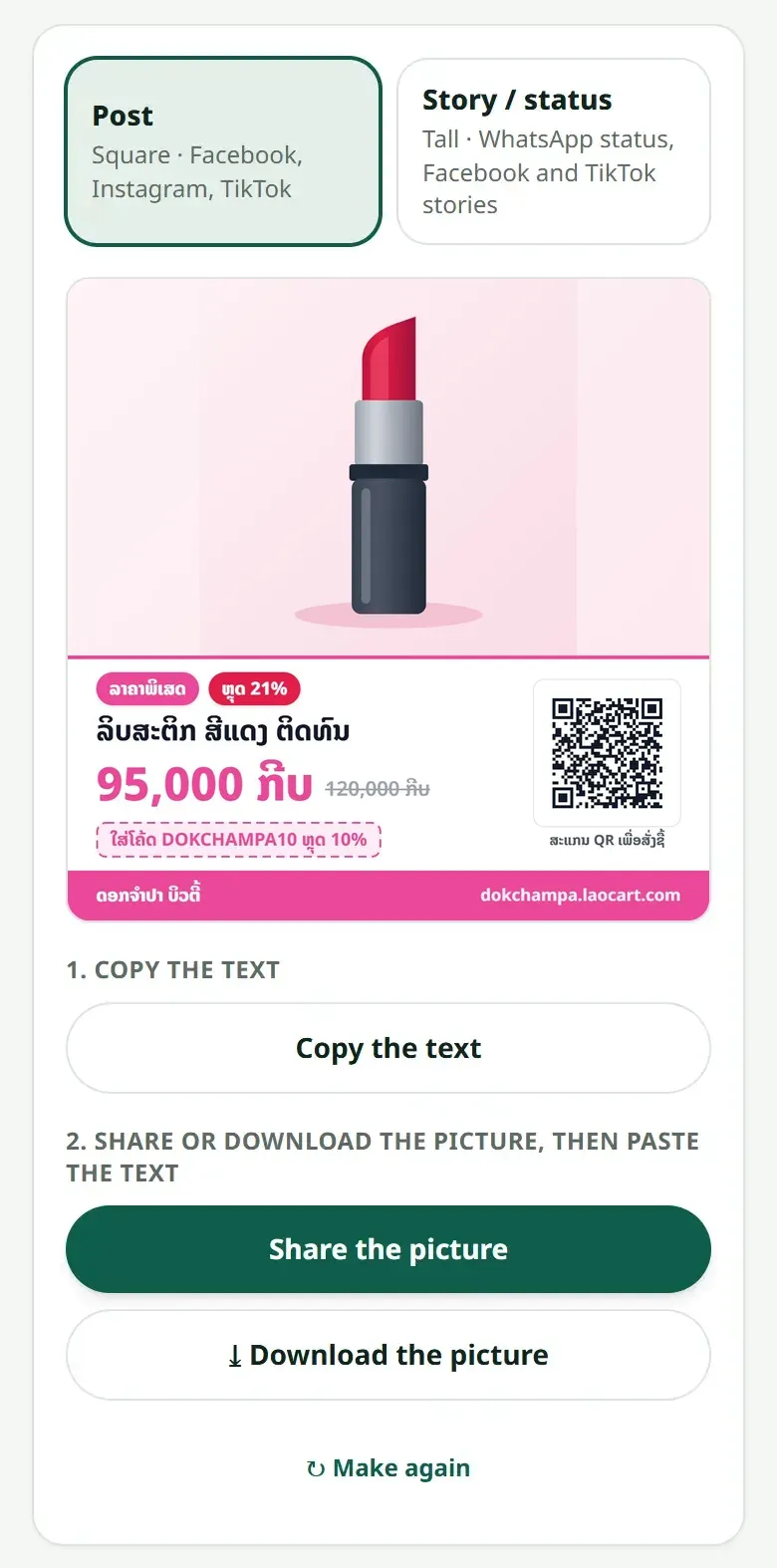
With a promo code, the link and the QR code put the code in the customer's cart by themselves. Only your shop's active codes are offered. If your shop is not open yet, customers can open the link once the plan is paid.
Related articles
Still stuck?
Message us on WhatsApp. Sending your shop name and a screenshot gets you an answer much faster.
Message LaoCartWant us to do it for you — enter your products, design your covers? That is an optional service, billed separately. See the optional services